A 9-part series
Tech Troubleshooting Basics
Quick fixes for the tech problems that interrupt your day. No IT degree needed.


We wrote this series because tech problems always happen at the worst time. Your phone is slow, your Mac freezes, your browser is acting weird. These guides fix the most common issues in a few minutes flat.
What you'll learn
- ✓ How to clear the cache on your iPhone when it slows down
- ✓ How to force quit a frozen app on Mac
- ✓ How to find out whether slow DNS is what makes pages hang, and fix it
- ✓ How to find your motherboard model on Windows, Mac, and Linux
- ✓ How to reset network settings on iPhone and set things back up afterward
How to Clear Cache on iPhone
Clear Safari's cache and browsing data on your iPhone, find the apps using the most storage, and offload or clear them to free up space, with the current iOS 27 Settings paths.
How to Force Quit on Mac
Force quit a frozen Mac app with Cmd+Option+Esc, the Apple menu, the Dock, or Activity Monitor, and force restart when the whole Mac locks up.
How to Fix GPS Not Working
Get GPS working again on an iPhone or Android phone. Check location settings, test outdoors, restart, turn on the other location signals, calibrate the compass, turn off battery saver, and reset settings in the right order.

How to Fix Laptop Overheating
Cool down an overheating Windows laptop or MacBook. Clear the vents, close the program using the most CPU, lower the power mode, update the BIOS, test the fans, and replace dried thermal paste.

How to Fix Phone Screen Unresponsive Touch
Fix a phone touchscreen that does not respond: strip it to bare glass, force restart, test for a bad app, charger, or dead zone, and back up before a reset or repair.

How to Fix Slow Boot Mac
Speed up a slow Mac startup. Unplug accessories, test login items and Safe Mode, reset NVRAM on an Intel Mac, repair the disk in Recovery, and reinstall macOS.
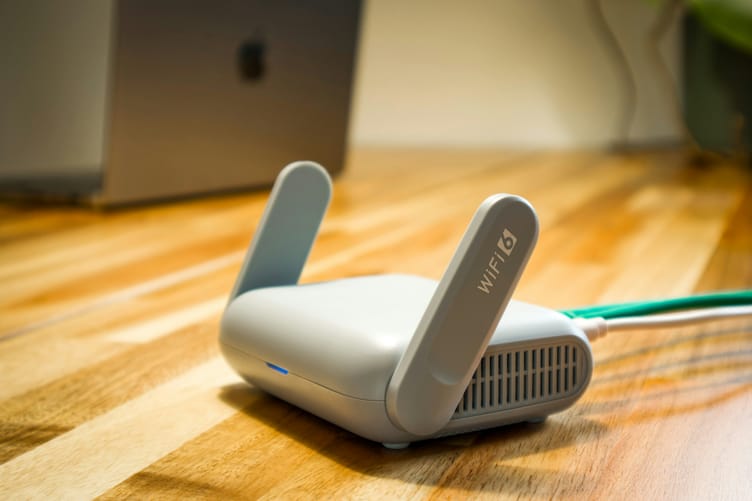
How to Fix Slow DNS Lookup
Measure your DNS speed first, then flush the cache, restart the router, find a dead server, or switch to Cloudflare, Google, or Quad9 on Windows, Mac, iPhone, Android, or your router.
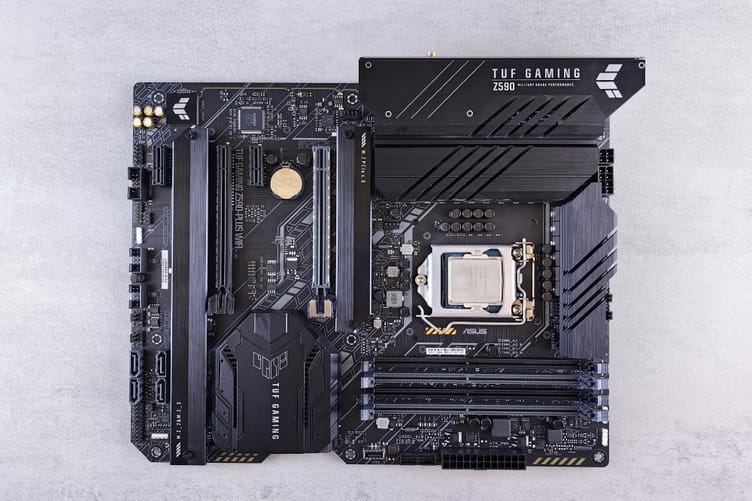
How to Check Your Motherboard Model
Find your motherboard model on Windows, Mac, or Linux without opening the case, plus what to do when it shows a laptop code or a blank field.
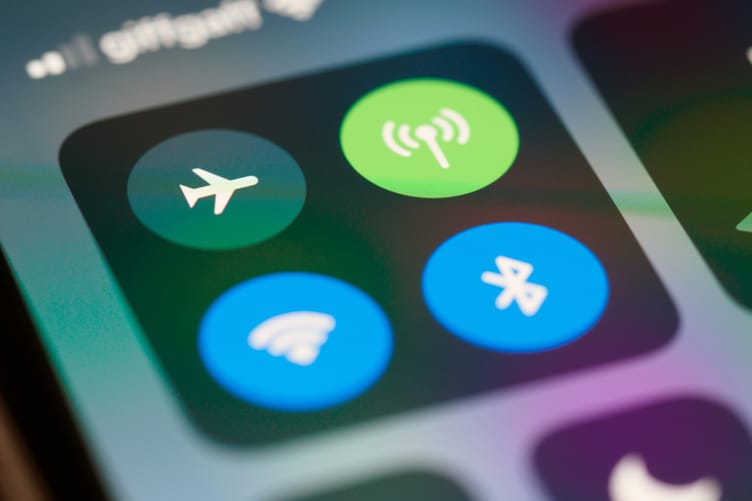
How to Reset Network Settings on iPhone
Reset network settings on iPhone without losing track of your Wi-Fi passwords, plus what to try first and what to set back up after the reset.