Tech & Digital
Screenshots, passwords, screen recording, and all the digital skills nobody taught you in school.

How to Debloat Windows 11
Debloat Windows 11 for lower RAM and CPU use. Real before-and-after numbers, what actually helps, and which popular tweaks to skip.

How to See Deleted Messages on iPhone
Find deleted messages on iPhone in Recently Deleted on iOS 16 to iOS 27, and what still works after 30 days, from your Mac to an older backup.
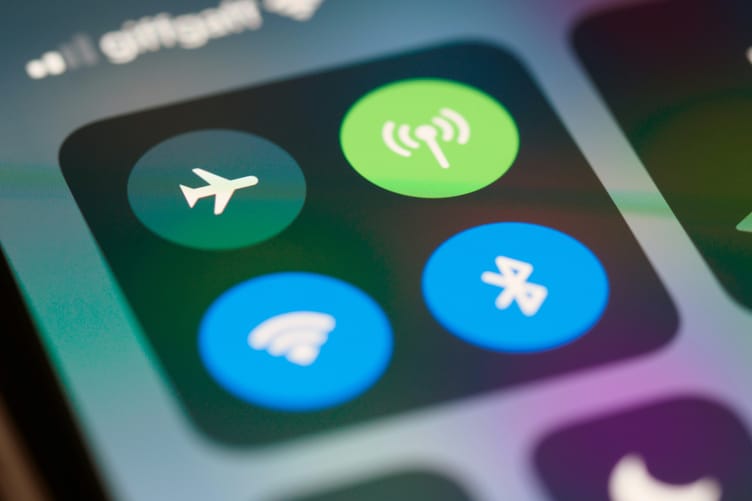
How to Reset Network Settings on iPhone
Reset network settings on iPhone without losing track of your Wi-Fi passwords, plus what to try first and what to set back up after the reset.

How to Check Your Motherboard Model
Find your motherboard model on Windows, Mac, or Linux without opening the case, plus what to do when it shows a laptop code or a blank field.
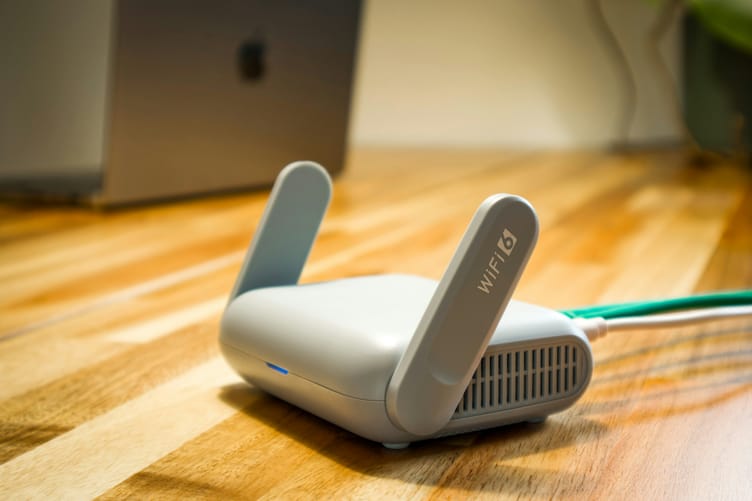
How to Fix Slow DNS Lookup
Measure your DNS speed first, then flush the cache, restart the router, find a dead server, or switch to Cloudflare, Google, or Quad9 on Windows, Mac, iPhone, Android, or your router.

How to Record a Phone Call on iPhone
Record a phone call on iPhone with the built-in feature in iOS 18.1 and later, find the recording and transcript in Notes, and check whether your region blocks it.

How to Block Websites on Chrome
Block distracting websites on Chrome with a free extension, close the Incognito loophole, and use Screen Time or Family Link on phones.

How to Cancel YouTube TV
Cancel or pause your YouTube TV membership on the web, Android, or iPhone, including when your carrier or internet provider bills you, and know what happens to your recordings and refund.

How to Reset Apple Watch
Restart, force restart, or erase your Apple Watch, with or without your passcode, and use the iPhone method that backs it up and removes Activation Lock before you sell it.

How to Schedule a Text on iPhone
Schedule an iMessage on iPhone up to 14 days ahead with Send Later, edit, reschedule, or cancel it before it goes out, and use Shortcuts for SMS or repeating texts.

How to Know If Someone Blocked You
Read the signs that someone blocked you on iPhone, Android, WhatsApp, Instagram, Facebook, and Snapchat, and rule out the look-alikes, from a dead phone to a deactivated account or a privacy setting.

How to Unhide Apps on iPhone
Find a missing iPhone app and put it back on your Home Screen, whether it sits in the App Library, on a hidden page, behind a Screen Time restriction, or in the Hidden folder behind Face ID.