howtodo ~ The Guide
Home Guides Topics RSS Widget
Featured guide
Windows laptop showing desktop

How to Screenshot on Windows

Take a screenshot on Windows 11 with Win+Shift+S, Print Screen, or Snipping Tool, and find where each one saves.

Easy6 min
Series
Tech Troubleshooting Basics
Quick fixes for the tech problems that interrupt your day. No IT degree needed.
11
Home → Topics → Windows & PC

Windows & PC

Fixes and how-tos for Windows 11 PCs and laptops, from update errors and screenshots to a slow or overheating machine.
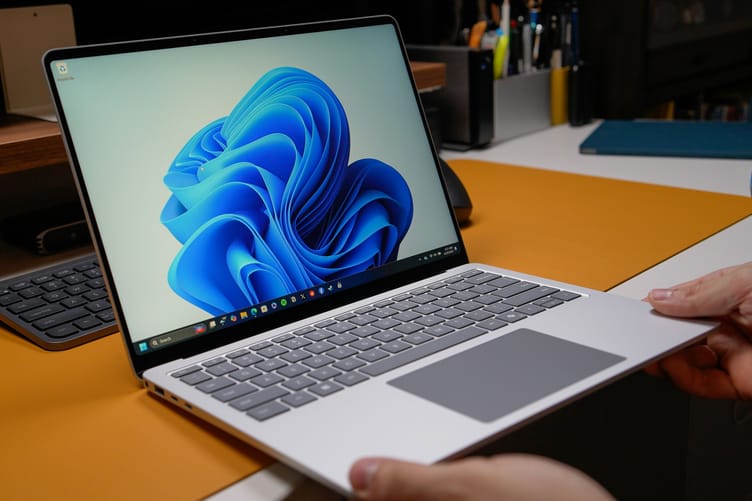
Hands holding a silver laptop running Windows 11, with the blue bloom wallpaper and taskbar on screen, over an orange desk mat

How to Fix Windows Update Error

Fix a Windows 11 update error from its code. Check Microsoft's known issues, repair with DISM and SFC, reset the cache, or reinstall and keep your files.

Medium 12 min · 7 steps Tech Troubleshooting Basics
Person typing on a silver HP laptop by a sunny window, with the Windows 11 Widgets board open beside the blue desktop wallpaper

How to Debloat Windows 11

Debloat Windows 11 for lower RAM and CPU use. Real before-and-after numbers, what actually helps, and which popular tweaks to skip.
Medium 13 min · 8 steps Tech Troubleshooting Basics
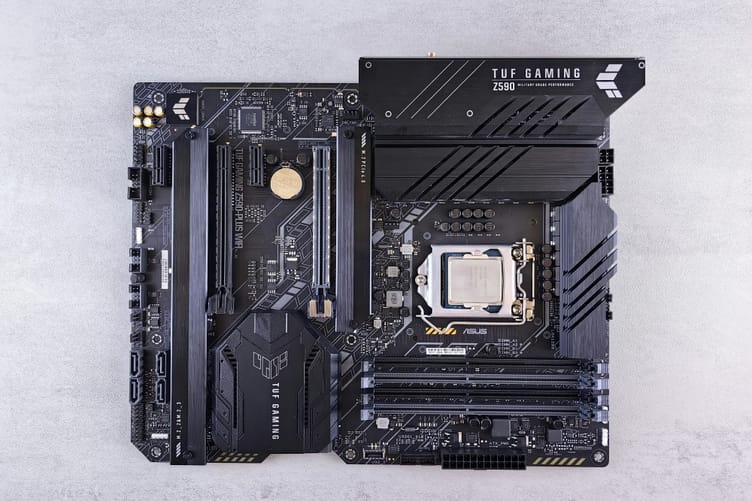
ASUS TUF Gaming Z590-PLUS WIFI motherboard on a gray surface, its model name printed on the board between the expansion slots

How to Check Your Motherboard Model

Find your motherboard model on Windows, Mac, or Linux without opening the case, plus what to do when it shows a laptop code or a blank field.

Easy 8 min · 6 steps Tech Troubleshooting Basics
Close-up of a laptop cooling fan and logic board with visible dust inside an open MacBook Pro

How to Fix Laptop Overheating

Cool down an overheating Windows laptop or MacBook. Clear the vents, close the program using the most CPU, lower the power mode, update the BIOS, test the fans, and replace dried thermal paste.

Medium 12 min · 8 steps Tech Troubleshooting Basics
Previous ← Older guides Page 1 of 1 Next Newer guides →

Get the next one

New guides, straight to your inbox.

Subscribe and get new tech guides by email. Read the ones you need and skip the rest.

Free to join
About Contact Privacy Terms

© 2026 How To Do. All rights reserved.